Utiliship: 10 Utilities, One App
An iOS utility suite — currency converter with AR overlay, bill splitter, deal calculator, ambient noise meter, AR ruler, and more — shipped to the App Store.
The Problem
Every utility app on my phone did one thing: a currency converter here, a bill splitter there, a unit converter somewhere else. Switching between five apps just to split a restaurant bill and convert the total to home currency felt absurd. Utiliship is one app with all of them — and then some.
Features
- Currency Converter — real-time rates via ExchangeRate-API, 24 h cache for offline use, multi-target conversion, preset pairs, and a home-screen widget
- Currency Lens — point the camera at a price tag; live AR overlays show the converted amount pinned to the price
- Bill Splitter — three-step wizard: add participants, assign items per person, get per-person totals with configurable rounding; auto-saves history
- Deal Calculator — compare up to 10 products by price-per-unit across weight, volume, area, and more
- Daily Cost — enter a purchase price and start date; see daily/weekly/monthly depreciation cost
- Unit Converter — length, weight, temperature, area, volume, speed, data storage — metric and imperial
- Ambient Noise Meter — real-time dB level with min/max/average statistics
- AR Measure — walk mode (camera odometry) and visual mode (ARKit plane detection) for distance and surface measurement
- Thing Translator — point at any object; Google Vision identifies it and Google Translate names it in your language
- Settings — preferred currency, measurement system, theme, and Pro subscription via StoreKit 2
System Architecture
Key Technical Decisions
| Decision | Chosen | Rejected | Why |
|---|---|---|---|
| Concurrency | Swift 6 strict mode | Swift 5 + manual locks | Compile-time data-race safety; every service is Sendable |
| DI | AppEnvironment env key | Singletons / service locator | Testable, no global state, SwiftUI-native |
| Rate caching | UserDefaults (24 h TTL) | Core Data / SQLite | Rates are a single JSON blob; UserDefaults is sufficient |
| Object recognition | Google Cloud Vision | CoreML VisionKit | Far higher label accuracy for arbitrary real-world objects |
| Monetisation | StoreKit 2 + AdMob | Web paywall | Native IAP required for App Store; AdMob for free tier |
| Backend | NestJS (TypeScript) | Python / FastAPI | Familiar stack, Docker-friendly, thin proxy layer |
Screenshots
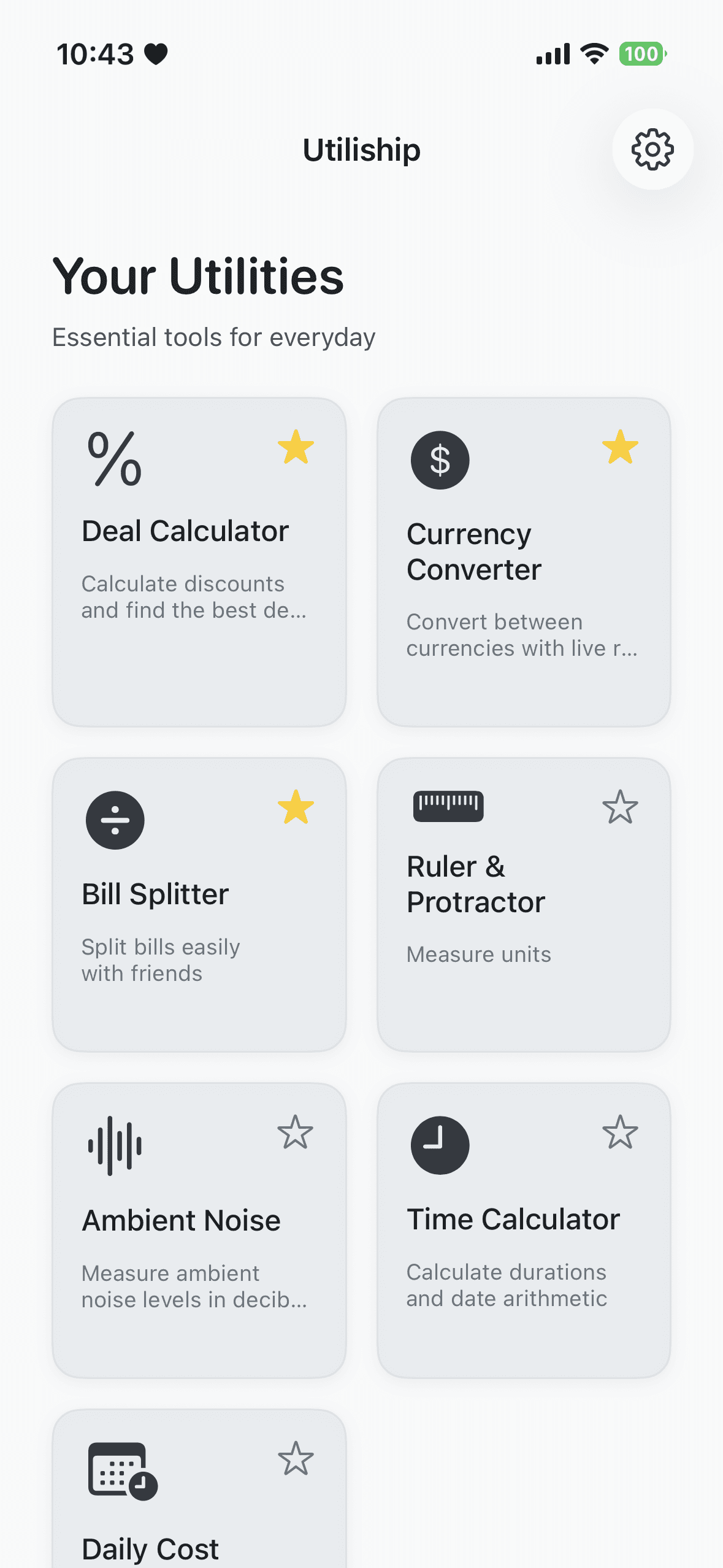
Home
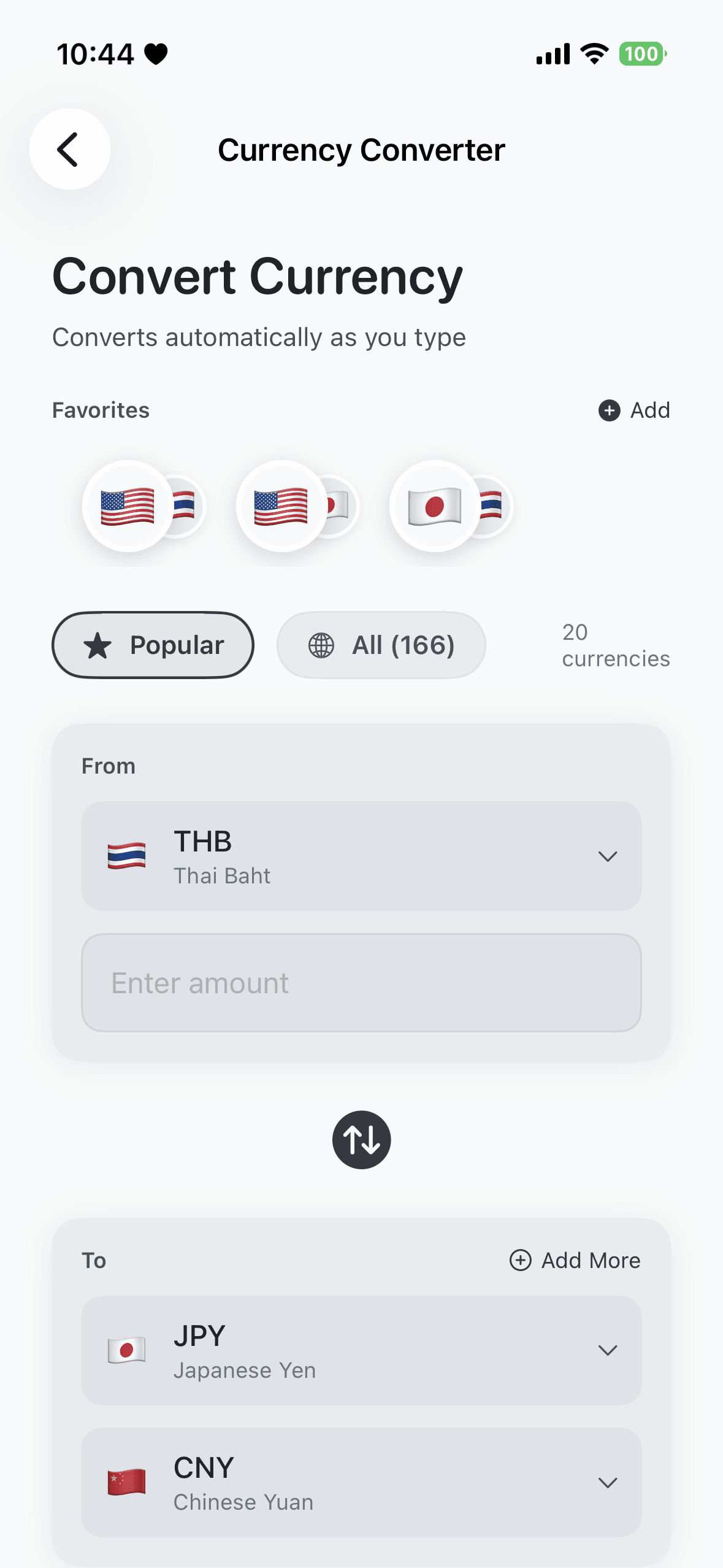
Currency Converter
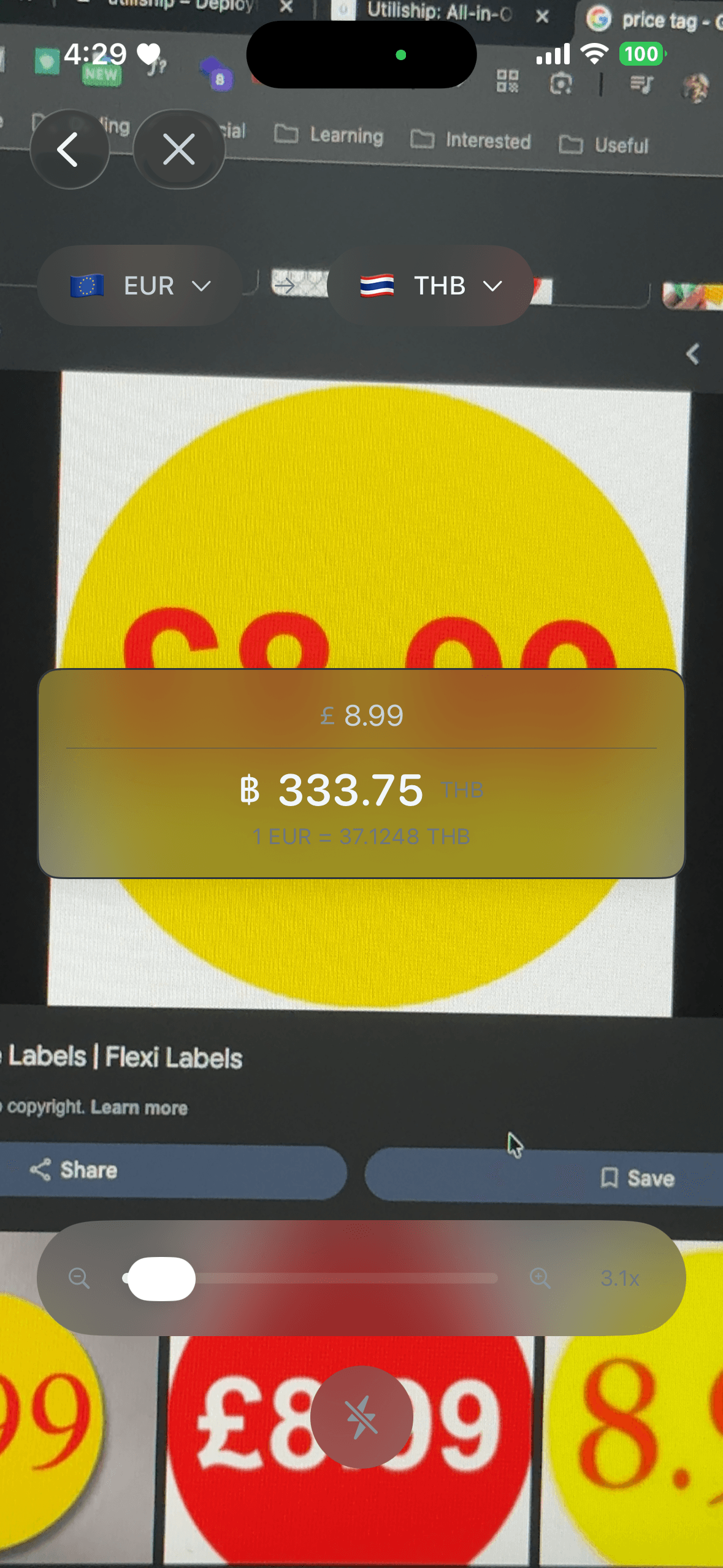
Currency Lens (AR)
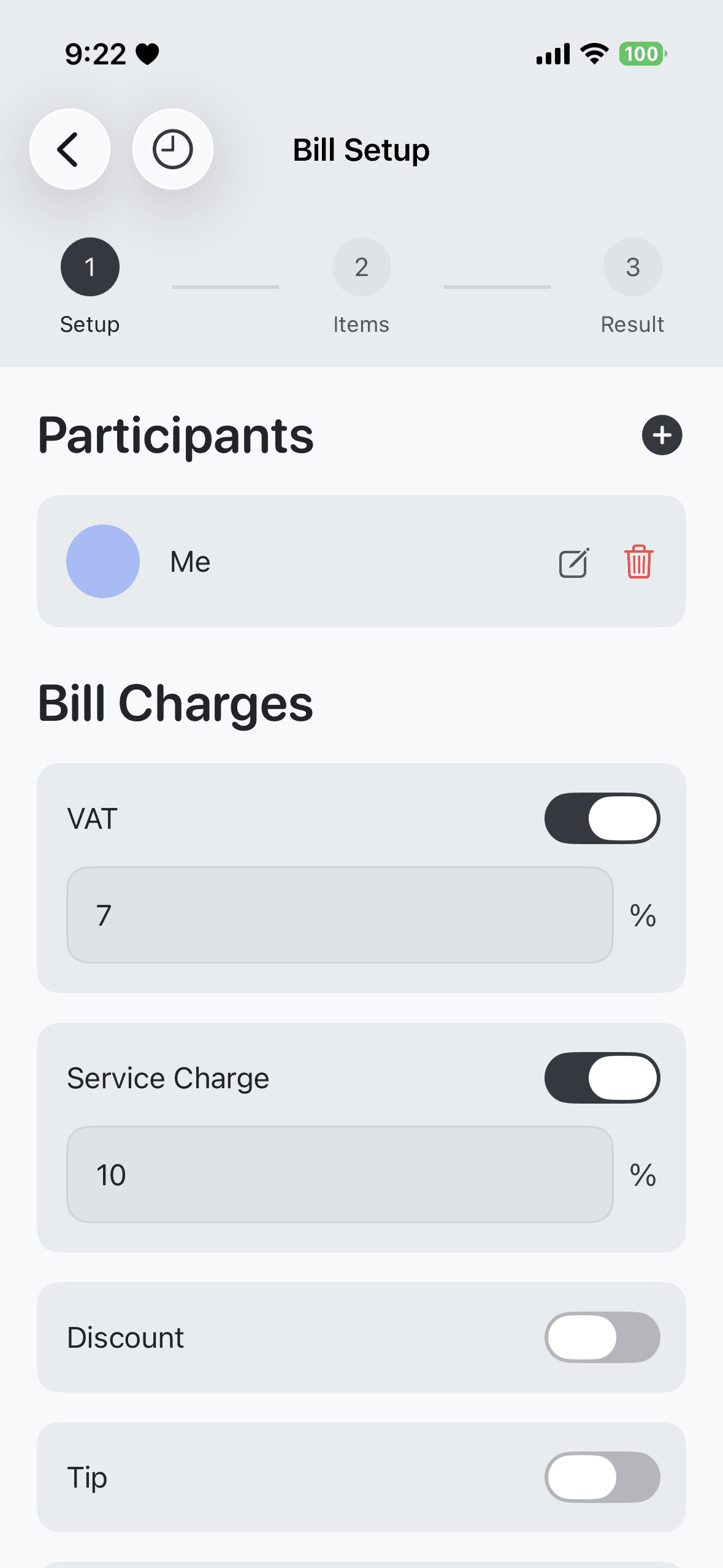
Bill Splitter — Setup
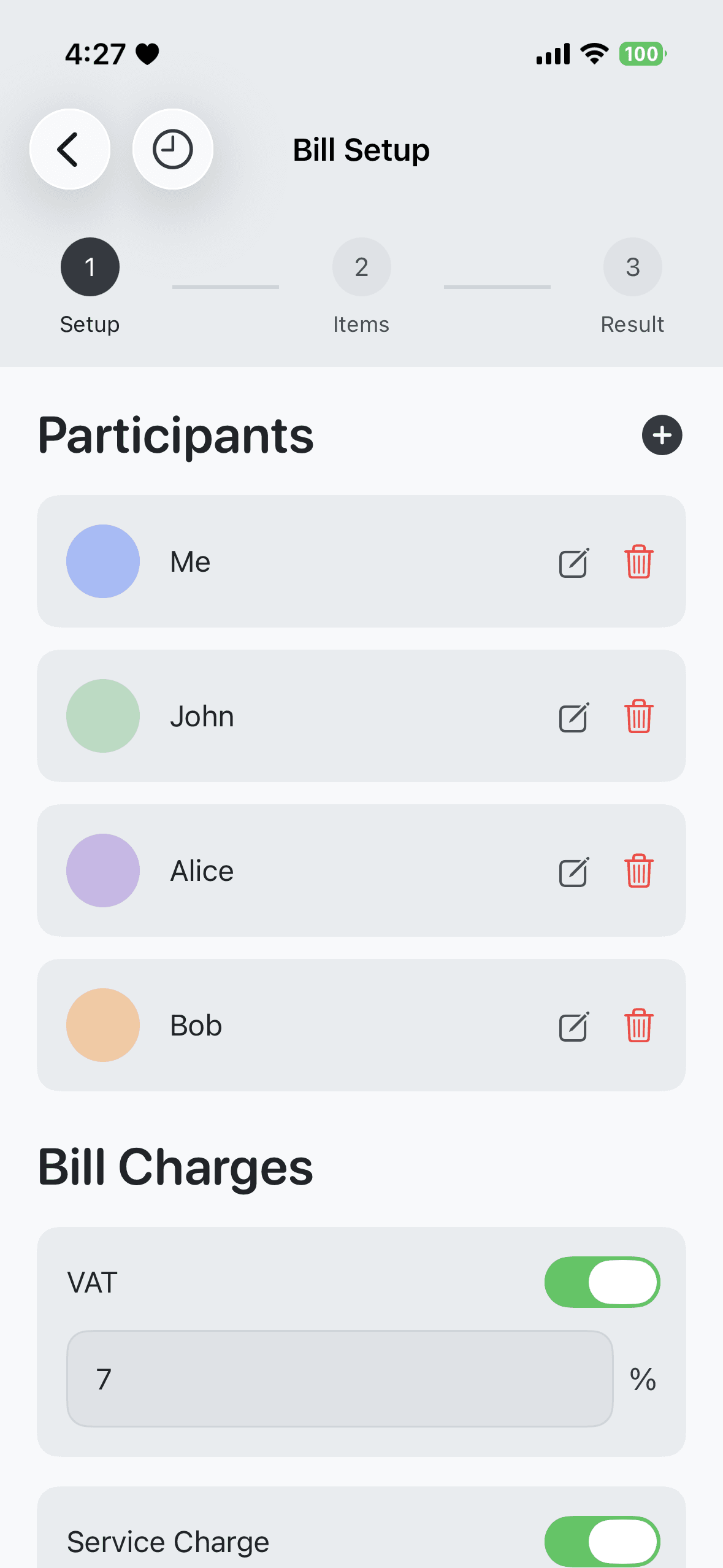
Bill Splitter — Items
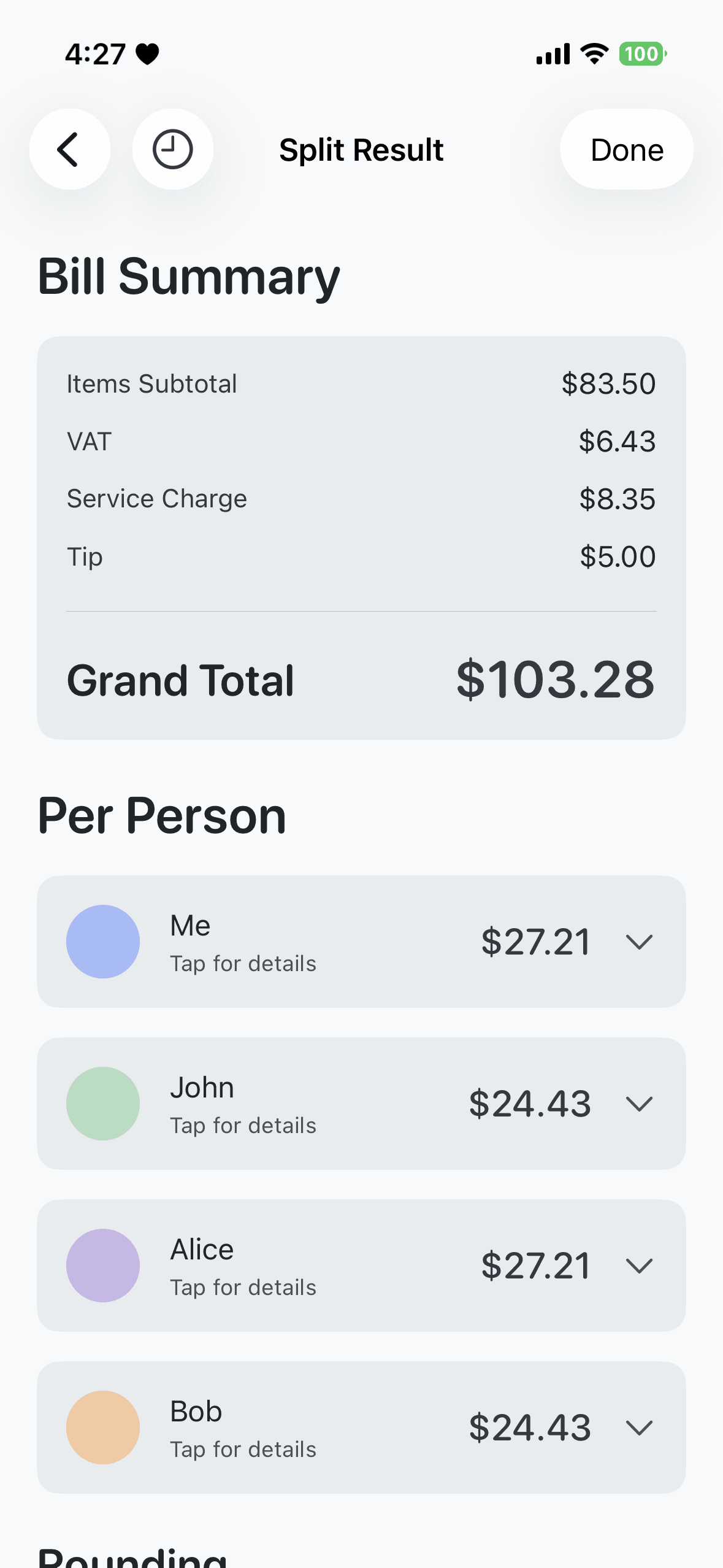
Bill Splitter — Result
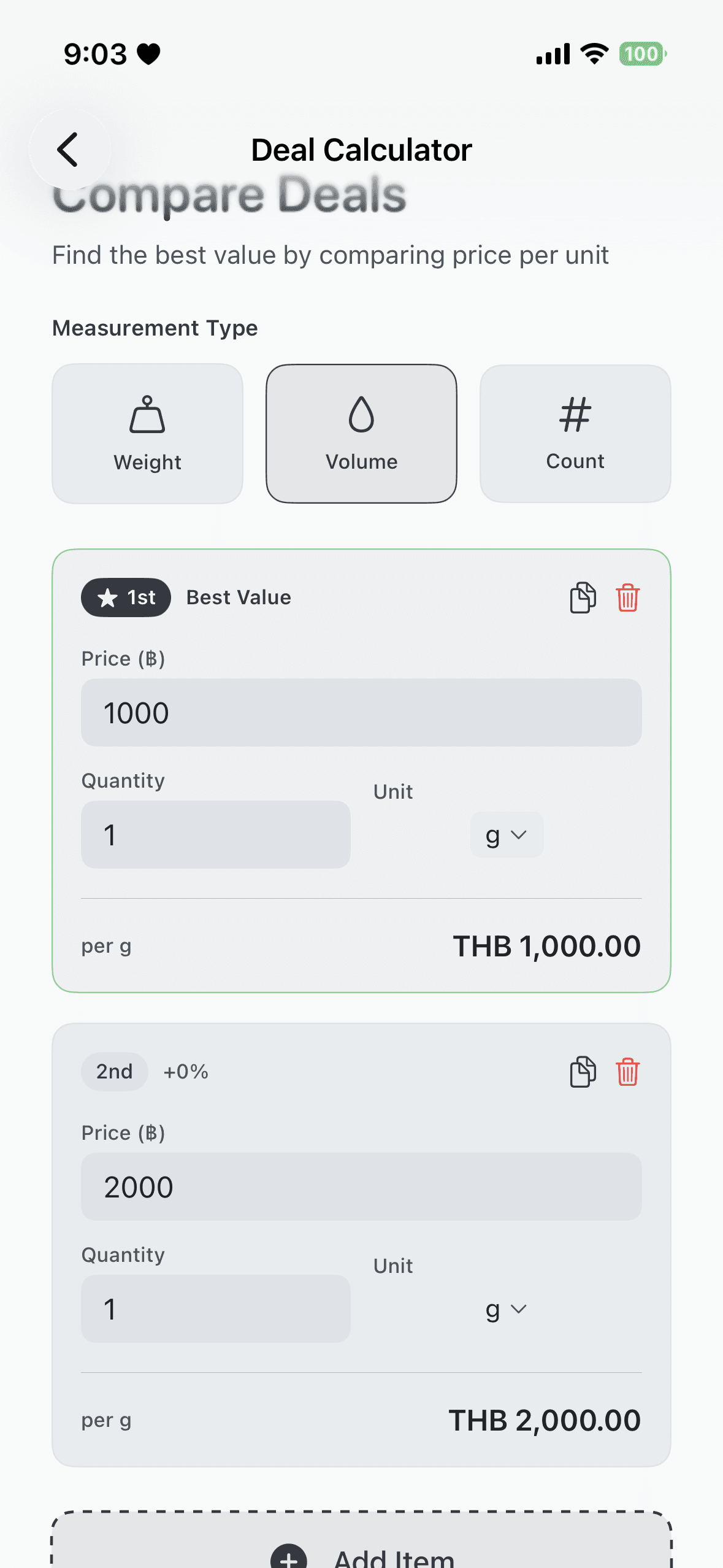
Deal Calculator
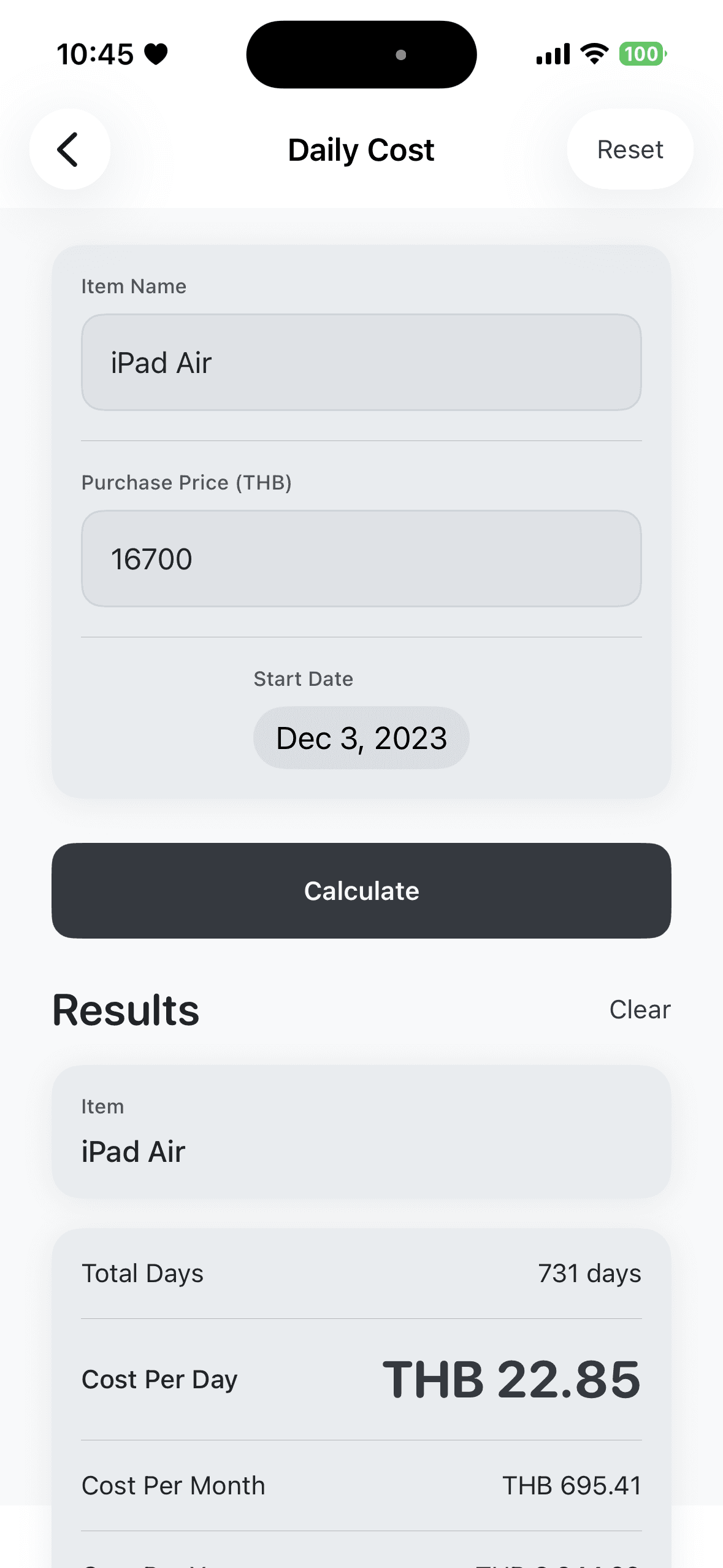
Daily Cost
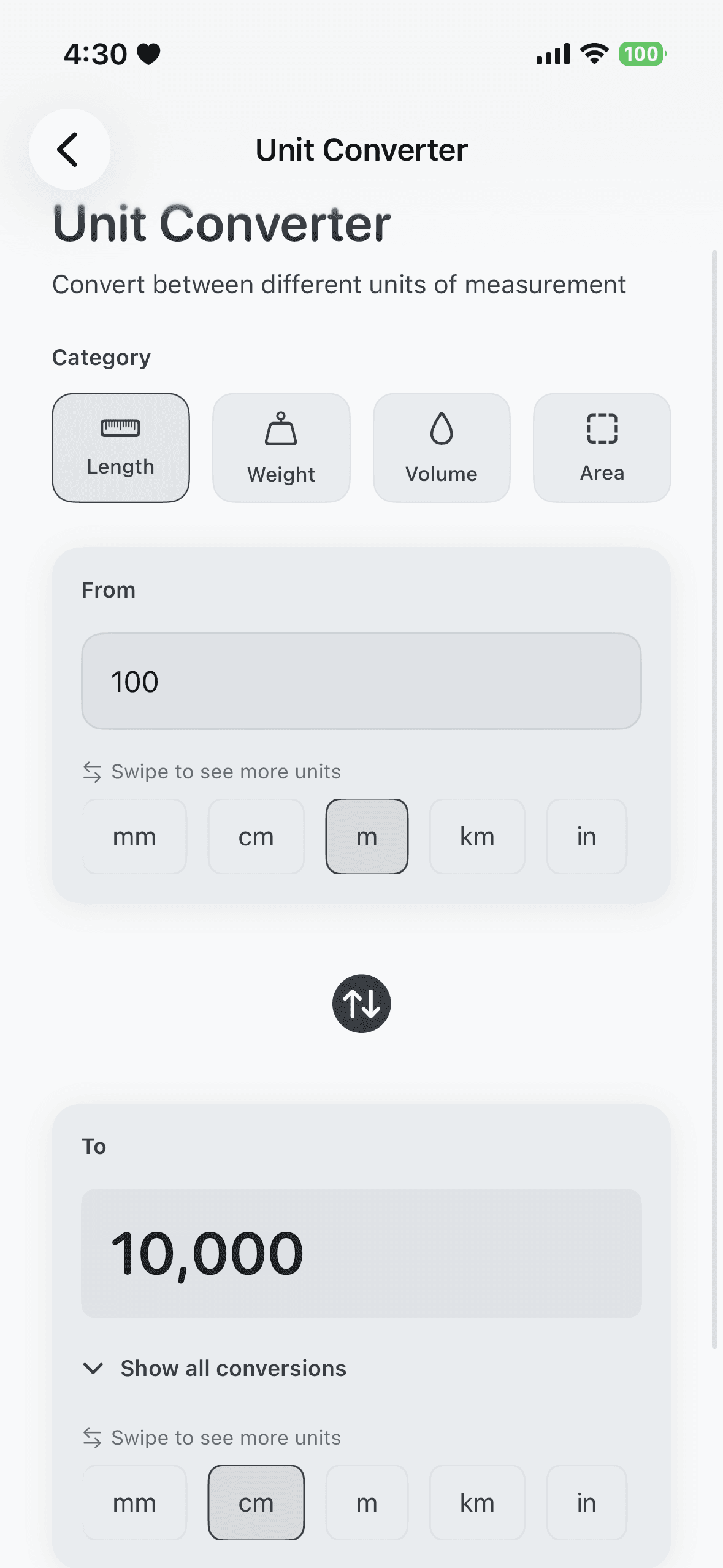
Unit Converter
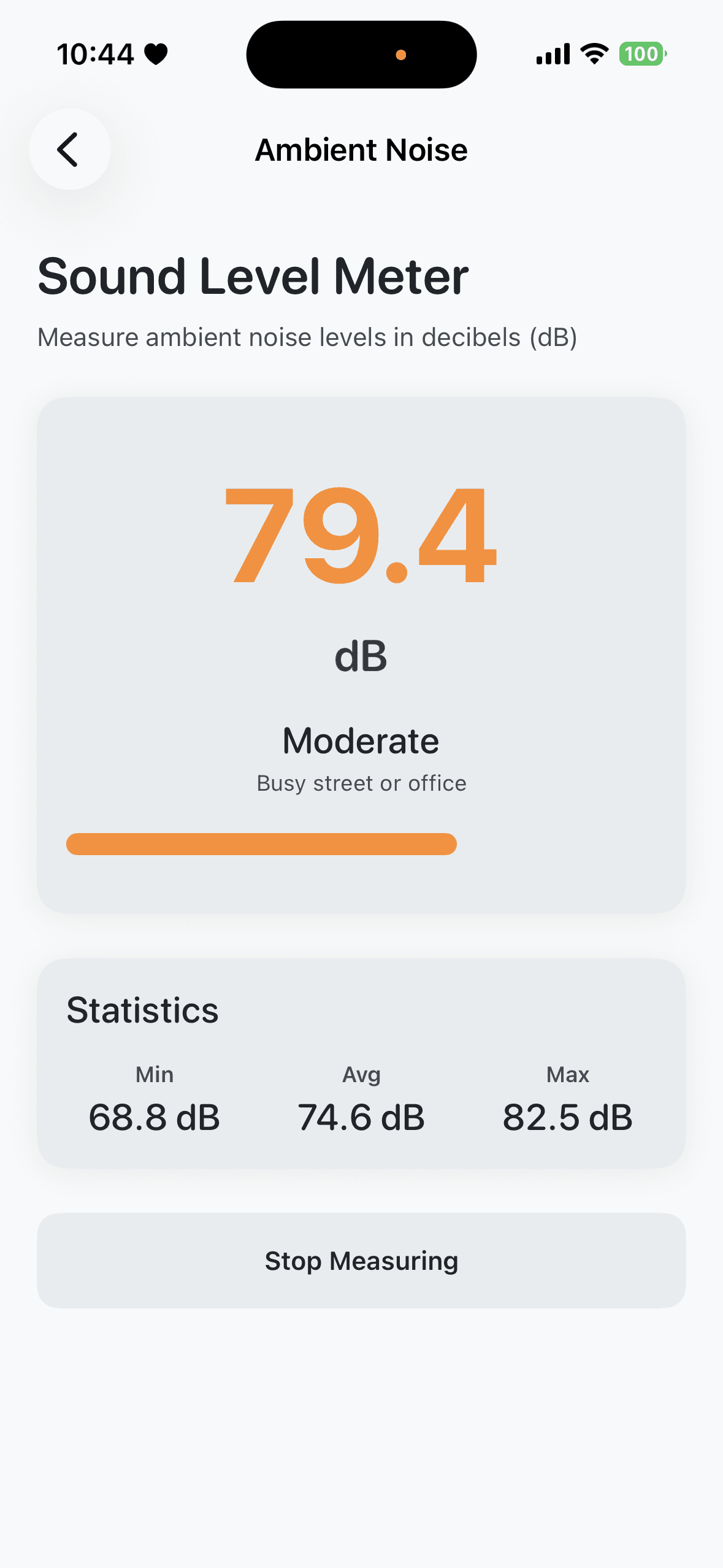
Ambient Noise
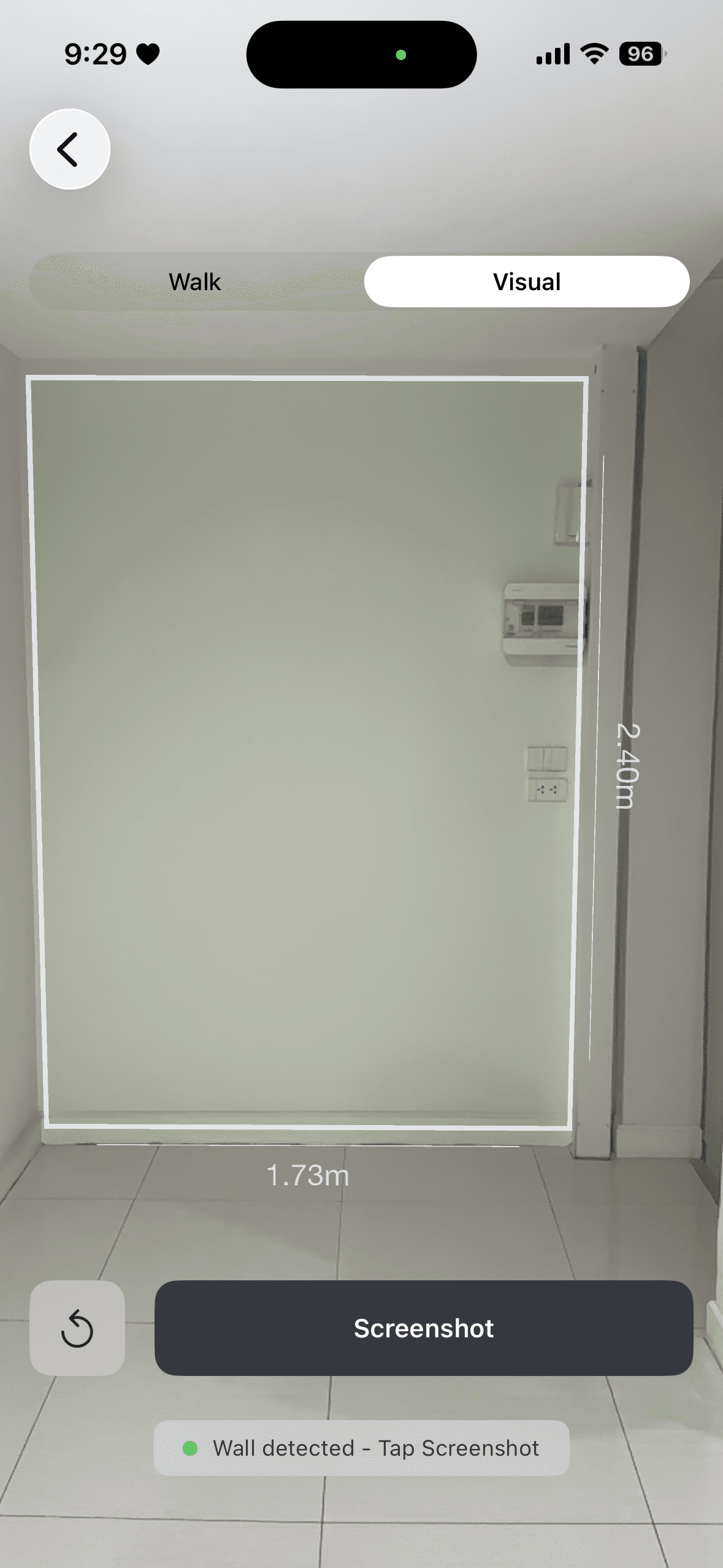
AR Measure
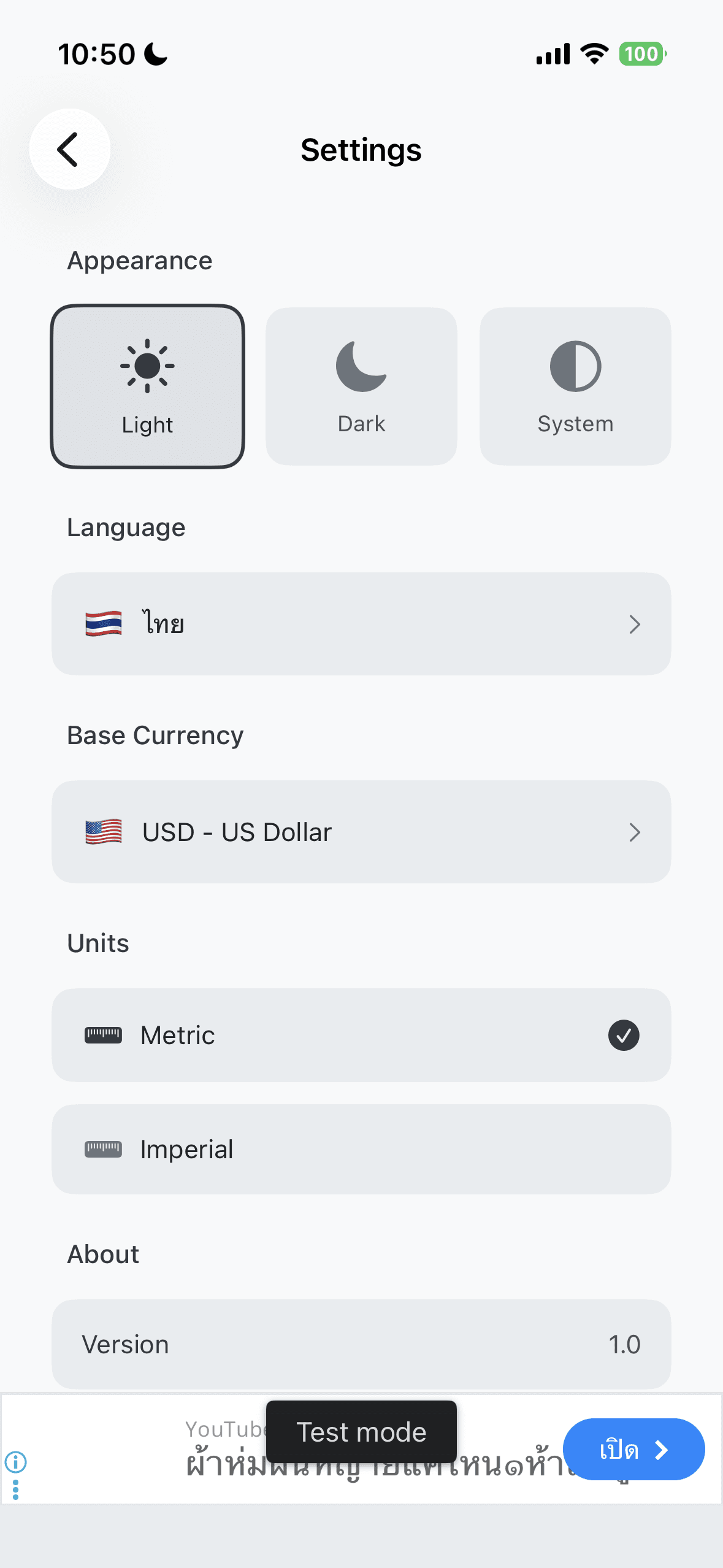
Settings
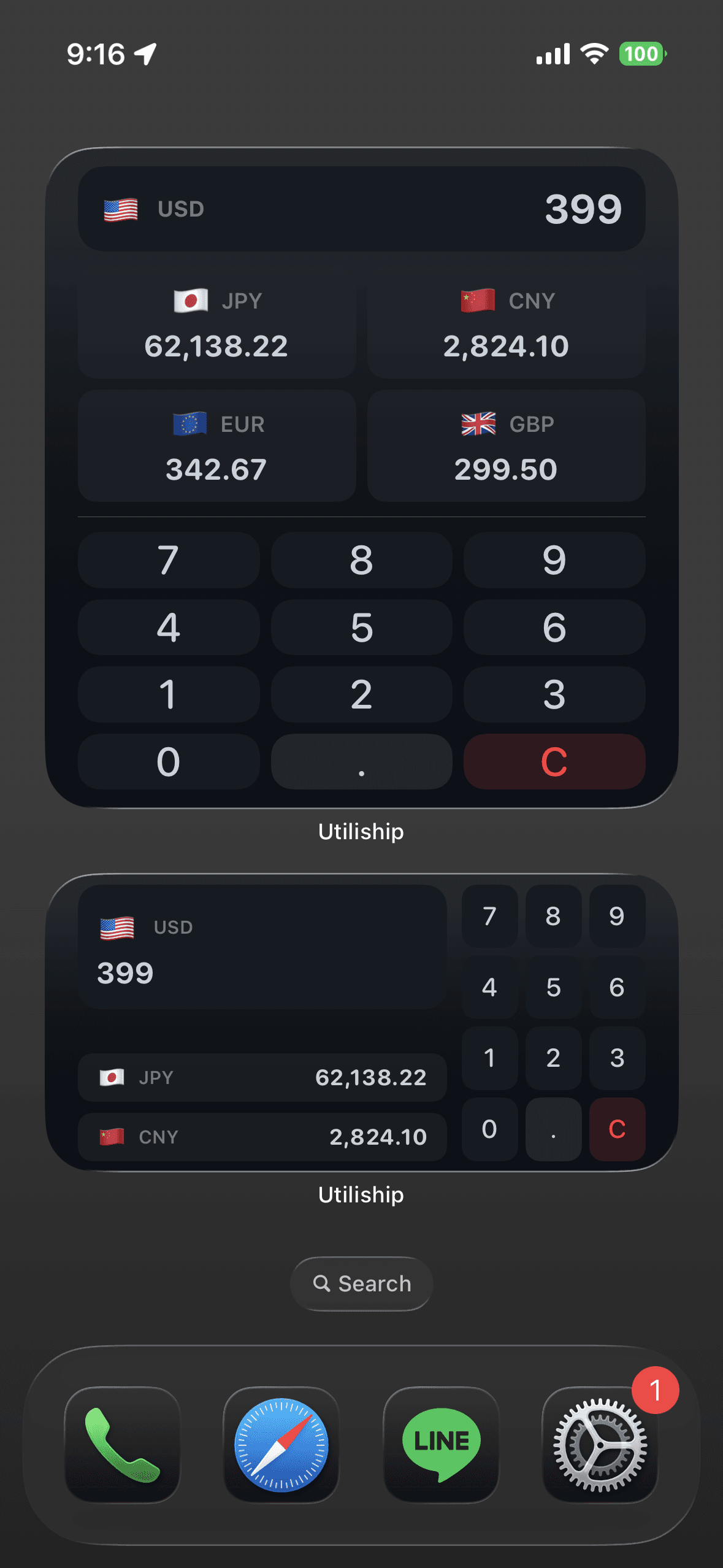
Widget
What I'd Do Differently
Write the design system first. I rebuilt AppColors and Spacing three times as the feature count grew — each feature had slightly different layout assumptions baked in. A token-based design system defined upfront would have saved that rework.
I'd also add a coordinator pattern for navigation from day one. Using AppRoute directly in HomeView works for ten features, but adding deep links revealed that mixing navigation logic into the view made it painful. A dedicated coordinator would own all routing decisions cleanly.